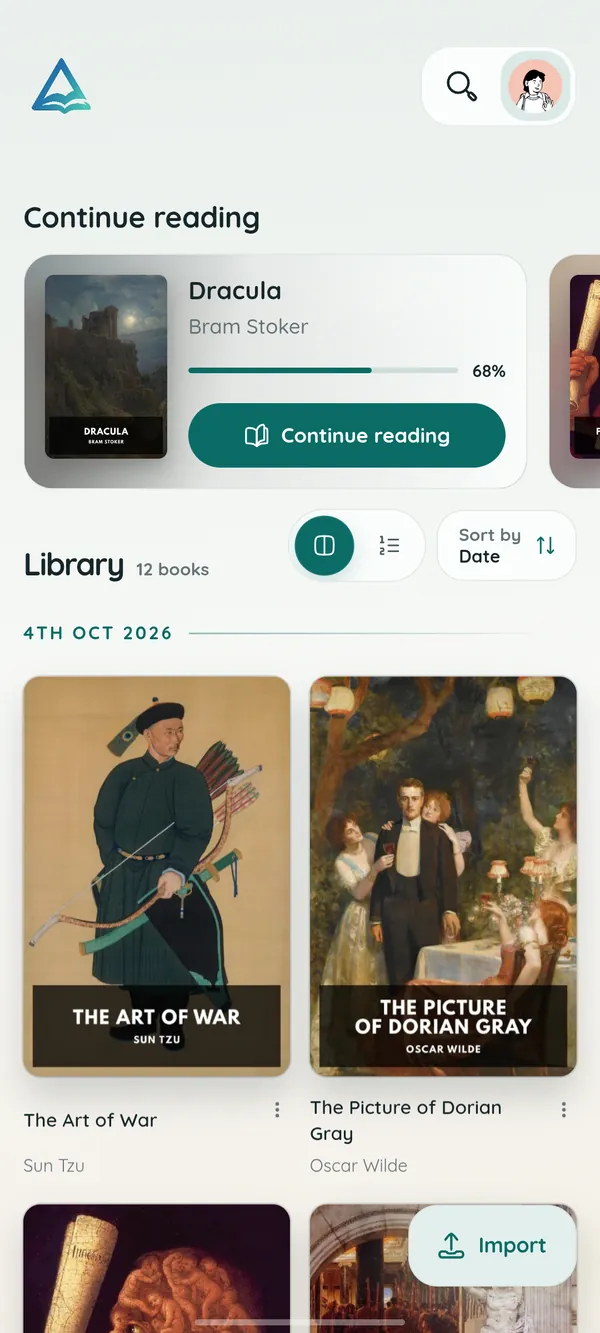
Android
Google PlayYour library in your pocket, with page turns that feel like paper and read-aloud for the commute.
- Phones and tablets, Android 8.0 or later
- Opens files from any app
- Google Drive backup
Android · Windows · Web
DeltaScroll is a calm, private reader for EPUB, PDF and DOCX books. Start a chapter on your phone, finish it on your PC, and never make an account.
Choose your screen
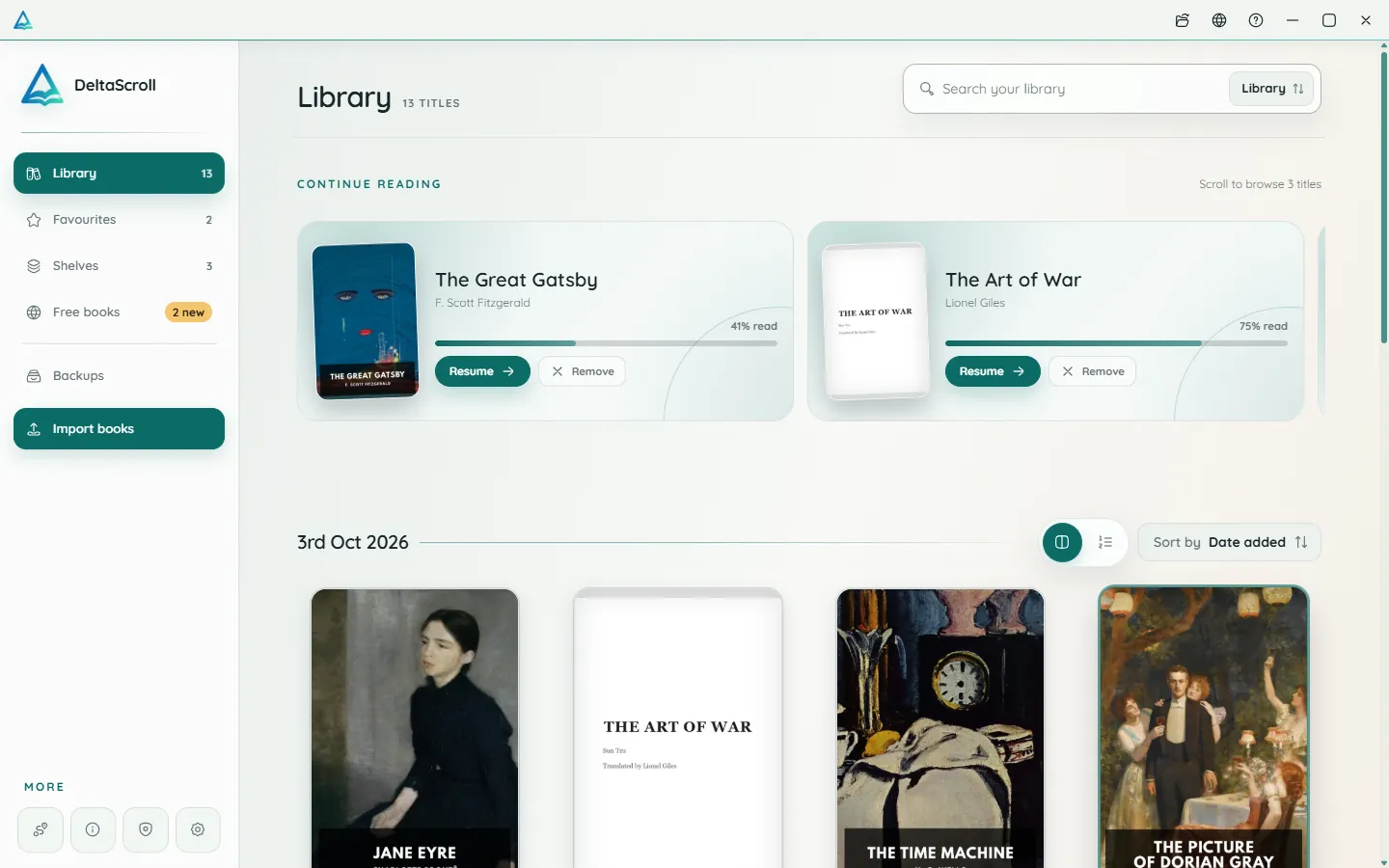
Every version has the same library, the same reading themes and the same read-aloud. Pick the one that fits the device in your hand.
Your library in your pocket, with page turns that feel like paper and read-aloud for the commute.
A focused desktop reader with tabs for your books, natural voices and local PDF and DOCX conversion.
Open your library in any modern browser. Install it as an app if you like, and keep reading offline.
Move freely
There is no cloud account holding your books hostage. A single backup file moves everything from one device to the next, and Google Drive can keep a copy if you ask it to.
Questions
Short answers about versions, cost, accounts and moving your books.
Use the Android app on a phone or tablet, the Windows app on a PC, and the web reader on any other computer or when you would rather not install anything. They all read the same books and share the same backup file.
Yes. DeltaScroll is free to use on Android, Windows and the web, with no ads and no account. If it is useful to you, you can support its development.
No. Your books and reading progress are stored on your device. Google Drive backup is there if you want it, and it only connects when you turn it on.
Yes. Create a backup on one device, then restore it on another. One file carries your books, reading positions, shelves, favourites, highlights and notes.
EPUB books open directly. PDF and DOCX files are converted into readable books on your device, so nothing is uploaded.
Not yet. An iOS version is planned. In the meantime, you can try the web reader in the browser on your iPhone or iPad.
It takes less than a minute to get started, and your first classic is one tap away.